 11 Cool ideas for informal business meetings, sessions, and trainings
Page content
Some of the cool ideas for informal business meetings, trainings, or knowledge sharing sessions, which are effective:-
Brown Bag Meeting
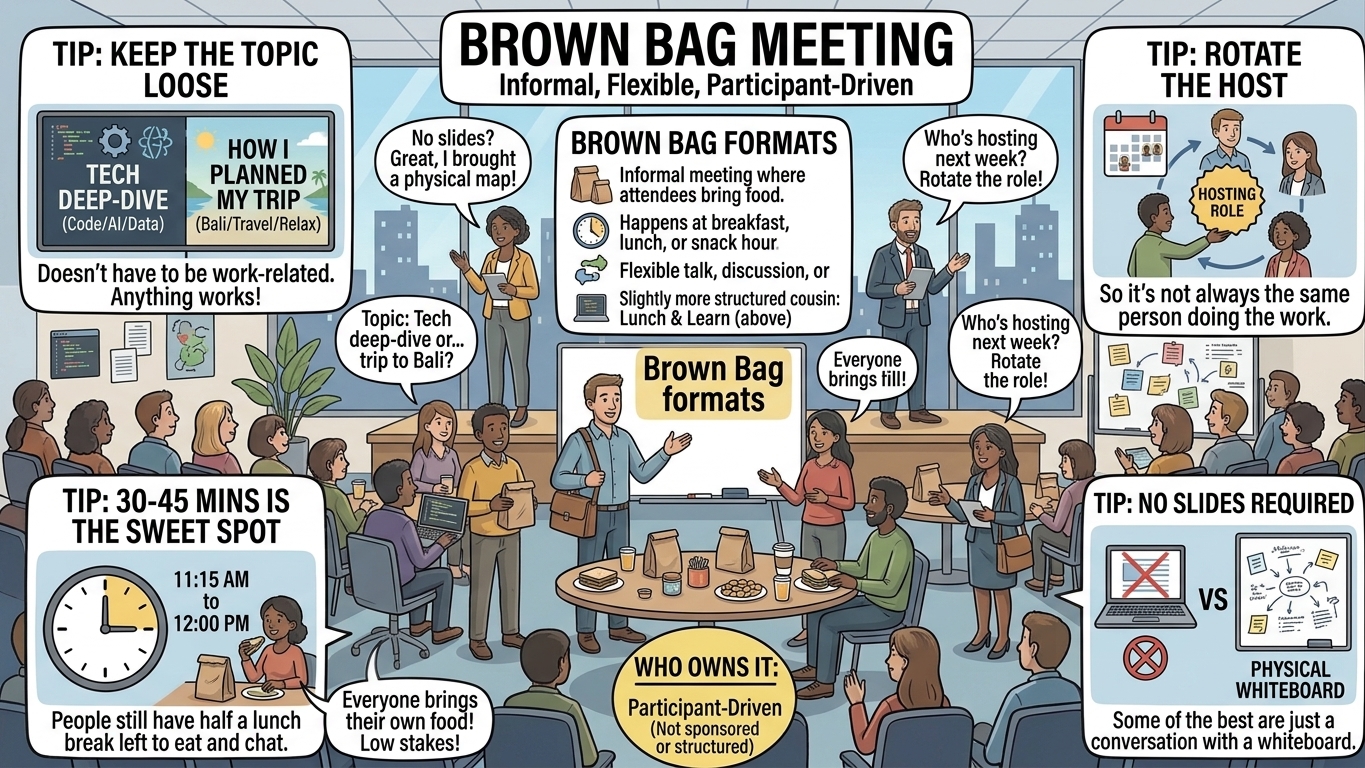
A “Brown Bag Meeting” or “Brown Bag Session” refers to an informal meeting, session, training, or presentation usually held in a workplace where attendees bring their own food.
As the name “Brown Bag” suggest, it refers to the plan brown paper sack in which many people bring their breakfast, lunch, or evening snack to work. For the same reason it can happen at breakfast, lunch, or snack hour, whichever works best for everyone. Lunch hours are more popular as sessions can last an hour or long.
Generally these sessions are optional for participants to attend.
The format stays loose on purpose — a brown bag can be a structured talk, an open discussion, or just a casual hangout with no agenda at all. That flexibility, plus everyone bringing their own food, is what sets it apart from its more structured cousin, the Lunch & Learn (below).
Quick tips:
- Keep the topic loose — anything from a tech deep-dive to “how I planned my trip to Bali” works, it doesn’t have to be work-related.
- 30-45 minutes is the sweet spot. People still have half a lunch break left to actually eat and chat.
- Rotate the host every session so it’s not always the same person doing the work.
- No slides required! Some of the best brown bags are just a conversation with a whiteboard.
Lunch & Learn
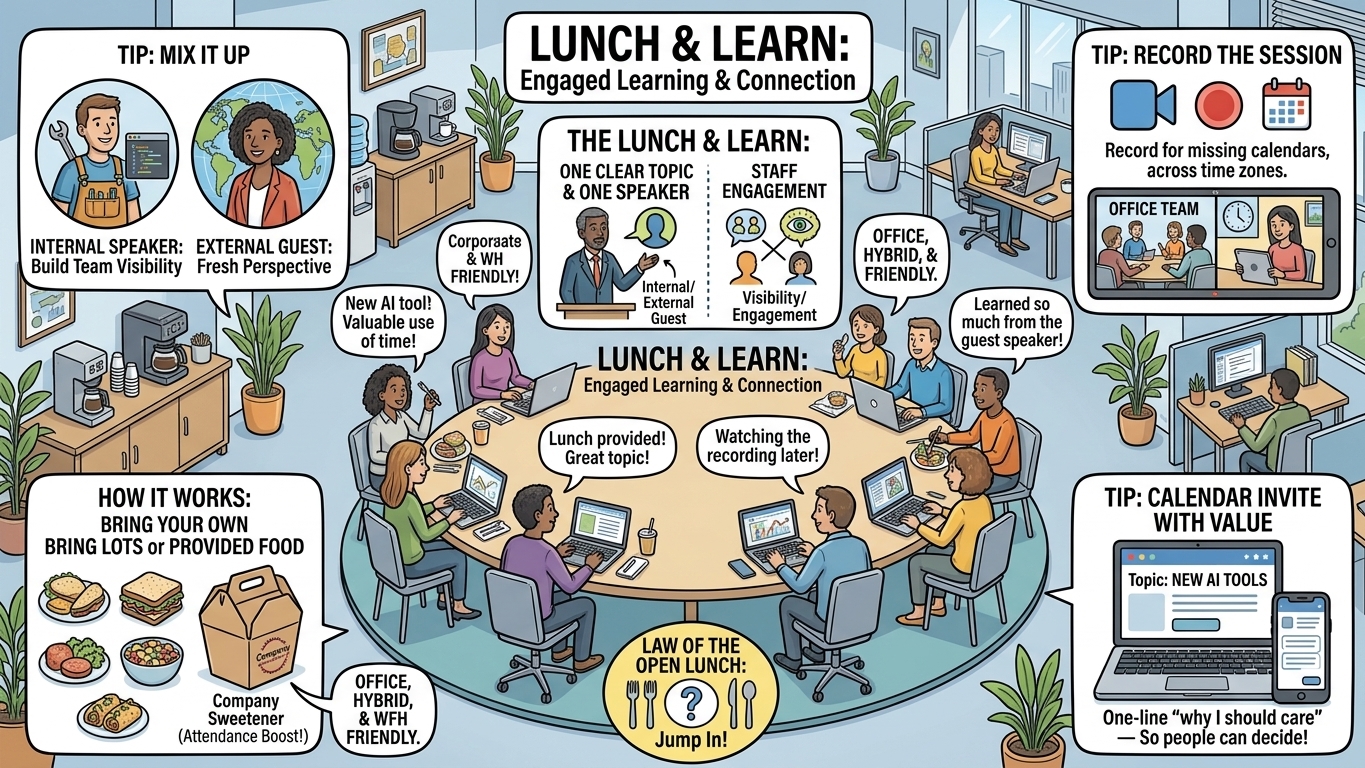
A “Lunch & Learn” sessions are also quite popular where a learning session usually happen over lunch. Each attendee bring their own lunch, or in some cases provided by the meeting host.
It works well from office, hybrid, or work from home. Its a good way to engage staff for some lunch time talk.
Think of it as the more structured cousin of the Brown Bag: where a brown bag can wander into open discussion or even go topic-free, a Lunch & Learn sticks to one clear topic and one speaker (internal or a guest), run more like a mini training session than a hangout. Companies also more often sweeten the deal by ordering food for whoever shows up, rather than everyone bringing their own — which does wonders for attendance!
Quick tips:
- Mix it up between internal speakers (great for building visibility for your own team) and external guest speakers (fresh perspective).
- Record the session if you can — not everyone’s calendar lines up with lunch time, especially across time zones.
- Send a calendar invite with the topic and a one-line “why should I care” so people can decide if it’s worth their lunch break.
Fishbowl Discussion
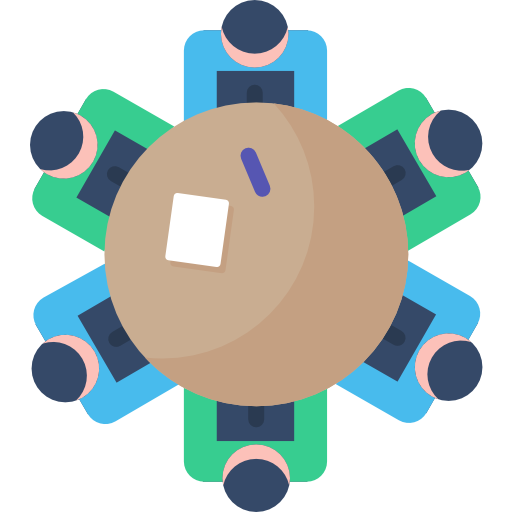
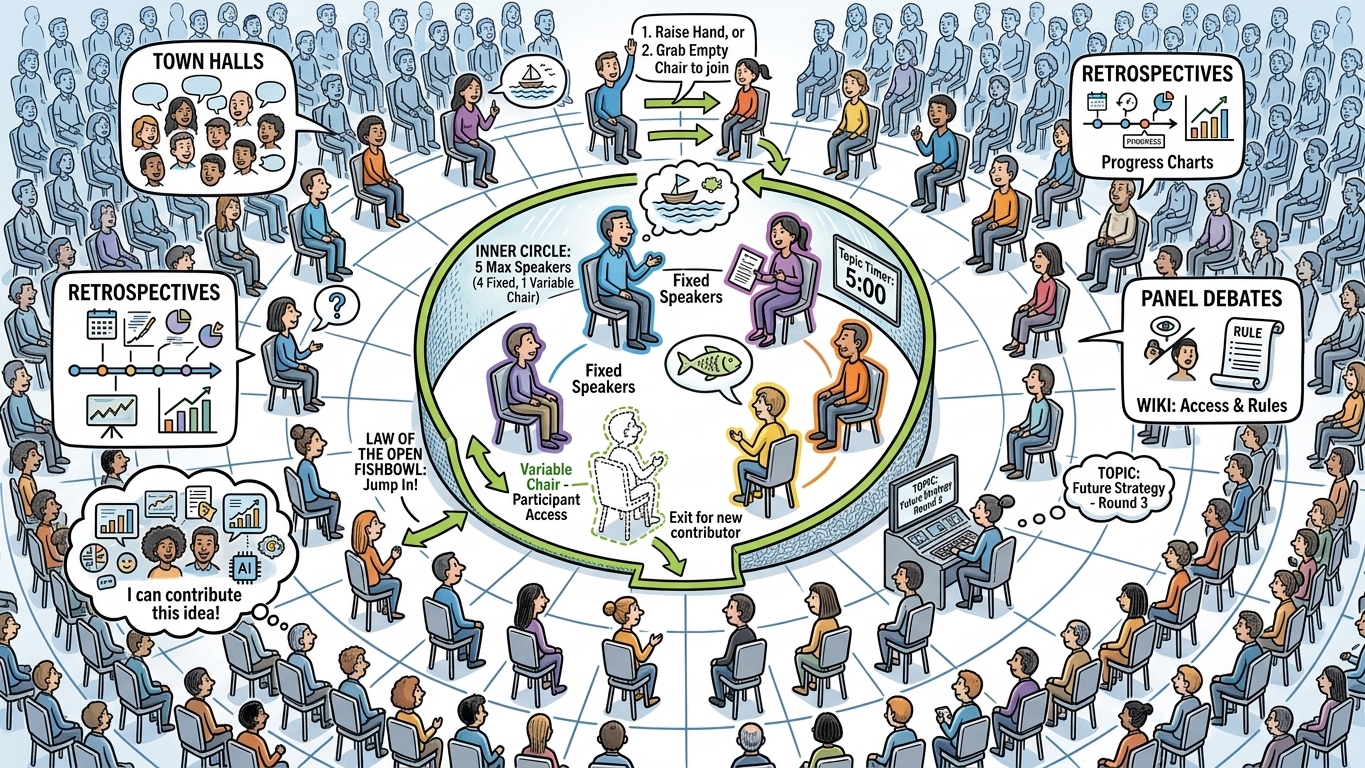
A Fishbowl method is suitable for discussion among large group of 25 to 150 participants. This allows entire group to participate in the discussion.
The seating arrangement of a fishbowl is circular consist of an inner circle of speakers and an outer circle of listeners. Upto 5 participants can sit in the inner circle and join the discussion. Rest participants sit in the outer circle as audience.
Participants from outer circle are free to come forward and become part of the inner circle at any time during the discussion if they wish to contribute. Participant can simply grab an empty chair or switch with anyone in the inner circle by raising hand.
One or more chairs in the discussion group can be variable. For example, one variable chair means participant can only be switched on one chair, other four inner circle participants are fixed.
Moderator should decide the maximum number of topic for discussion and maximum time per topic discussion round. Moderator can also be a fixed participant of inner circle.
When to use it: Fishbowl works great for town halls, retrospectives with a big group, panel-style debates, or any topic where you want everyone in the room to feel like they could jump in, even if most people just listen.
Knowledge Bytes
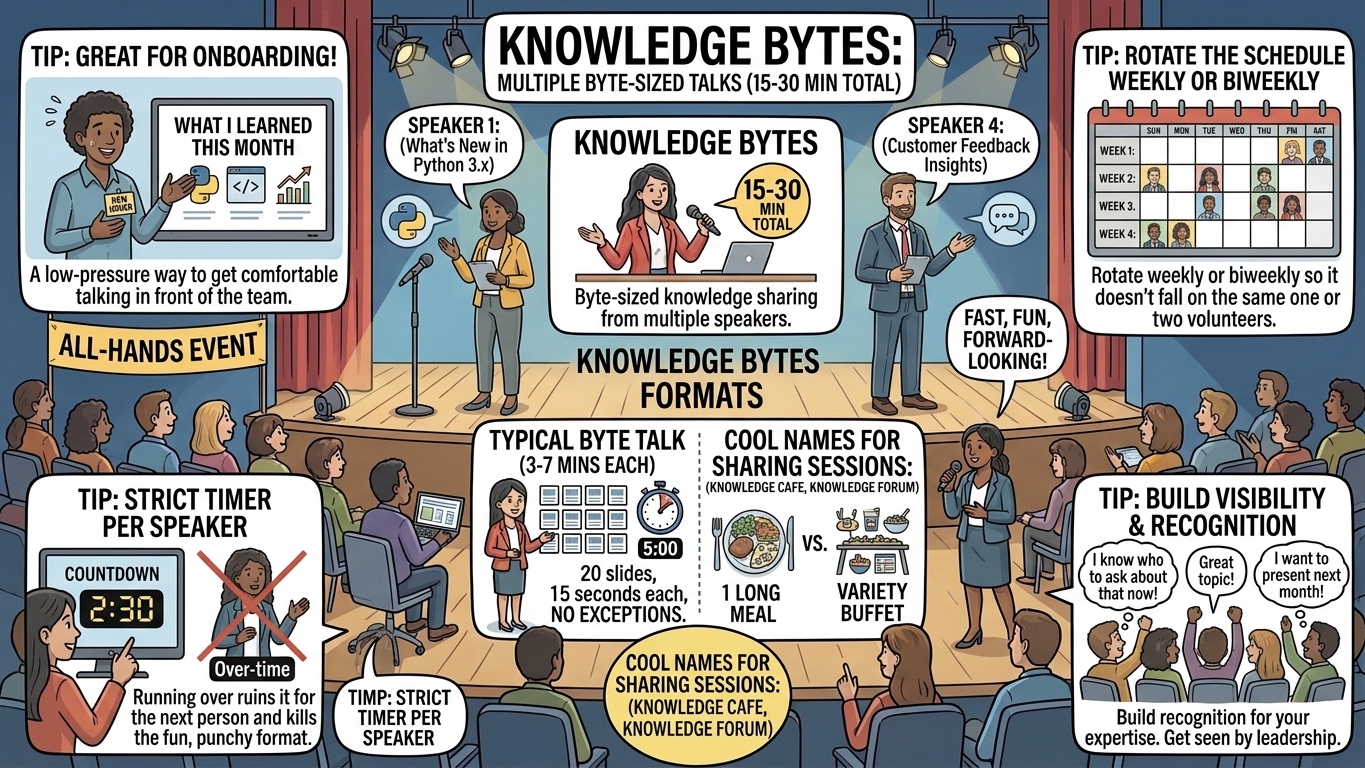
A “Knowledge Bytes” or “Tech Bytes” refers to a byte-sized knowledge sharing session of shorter duration of 15 to 30 min. A session usually held multiple byte-sized talks from multiple speakers.
The other cool names for Knowledge Sharing sessions could be:-
- Knowledge Cafe
- Knowledge Forum
Quick tips:
- Keep a strict timer per speaker — running over ruins it for the next person and kills the fun, punchy format.
- Great for onboarding! New joiners presenting “what I learned this month” is a low-pressure way to get them comfortable talking in front of the team.
- Rotate the schedule weekly or biweekly so it doesn’t fall on the same one or two volunteers every time.
Lightning Talks
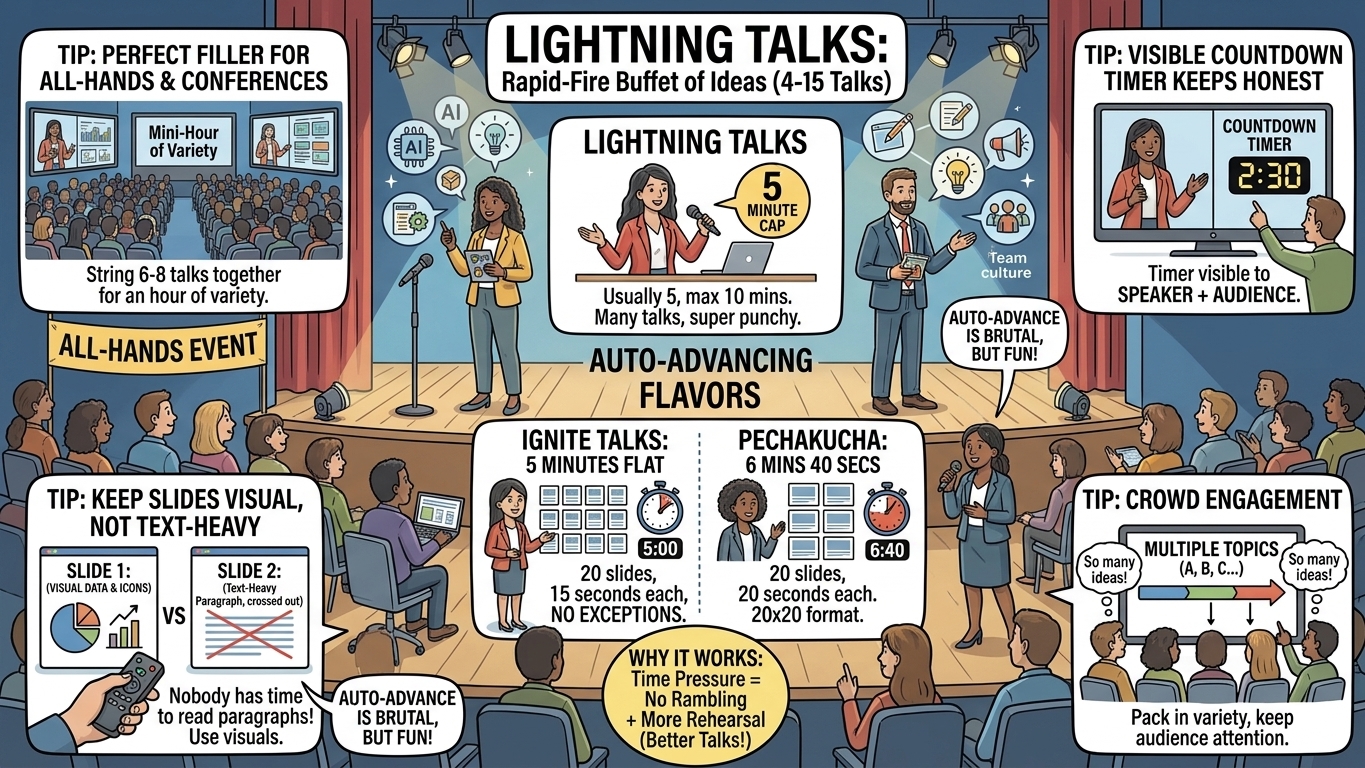
“Lightning Talks” are super short, punchy presentations — usually capped at 5 minutes, sometimes stretching to 10. A single session can pack in anywhere from 4 to 15 talks back to back, so the audience gets a whole buffet of ideas instead of one long meal.
Two popular flavours of lightning talks take the time pressure even further by auto-advancing the slides, so the speaker has to keep pace:
- Ignite Talks: exactly 20 slides, 15 seconds each, auto-advancing — 5 minutes flat, no exceptions.
- PechaKucha: also 20 slides, but 20 seconds each — 6 minutes 40 seconds total.
The auto-advance rule sounds brutal, but it’s what makes these formats fun — no one can ramble, and speakers usually end up rehearsing more (which makes for a better talk anyway).
Quick tips:
- Perfect filler for an all-hands or a conference-style internal event — string together 6-8 lightning talks and you’ve got an hour of variety.
- Keep slides visual, not text-heavy — with 15-20 seconds per slide, nobody has time to read a paragraph.
- A countdown timer visible to the speaker (and audience) keeps everyone honest.
Gather Town
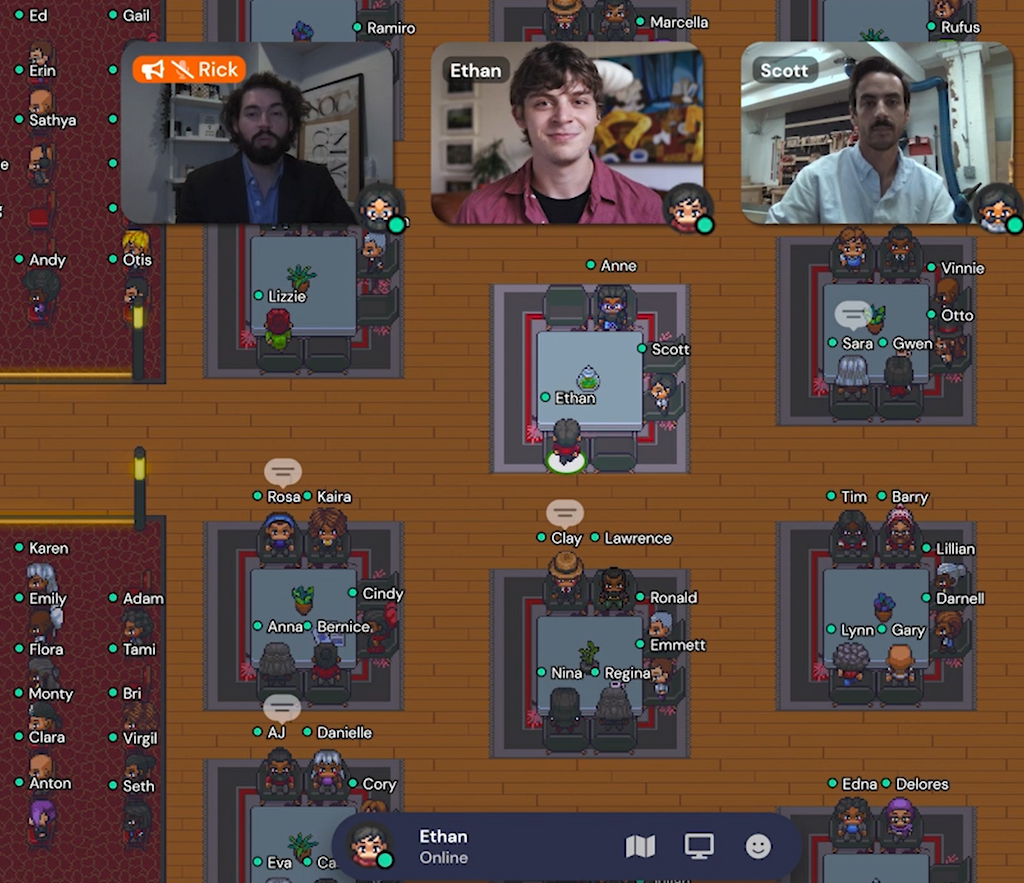
Gather Town is a multiverse platform for online meetings, sessions, or presentation
It’s basically a retro 2D video-game map where your avatar walks around a virtual office, and your camera/mic turn on automatically when you walk up to someone — so it feels a lot more like bumping into a colleague than joining yet another scheduled video call. Great for remote/hybrid teams who miss those spontaneous hallway or water-cooler chats.
Unconference
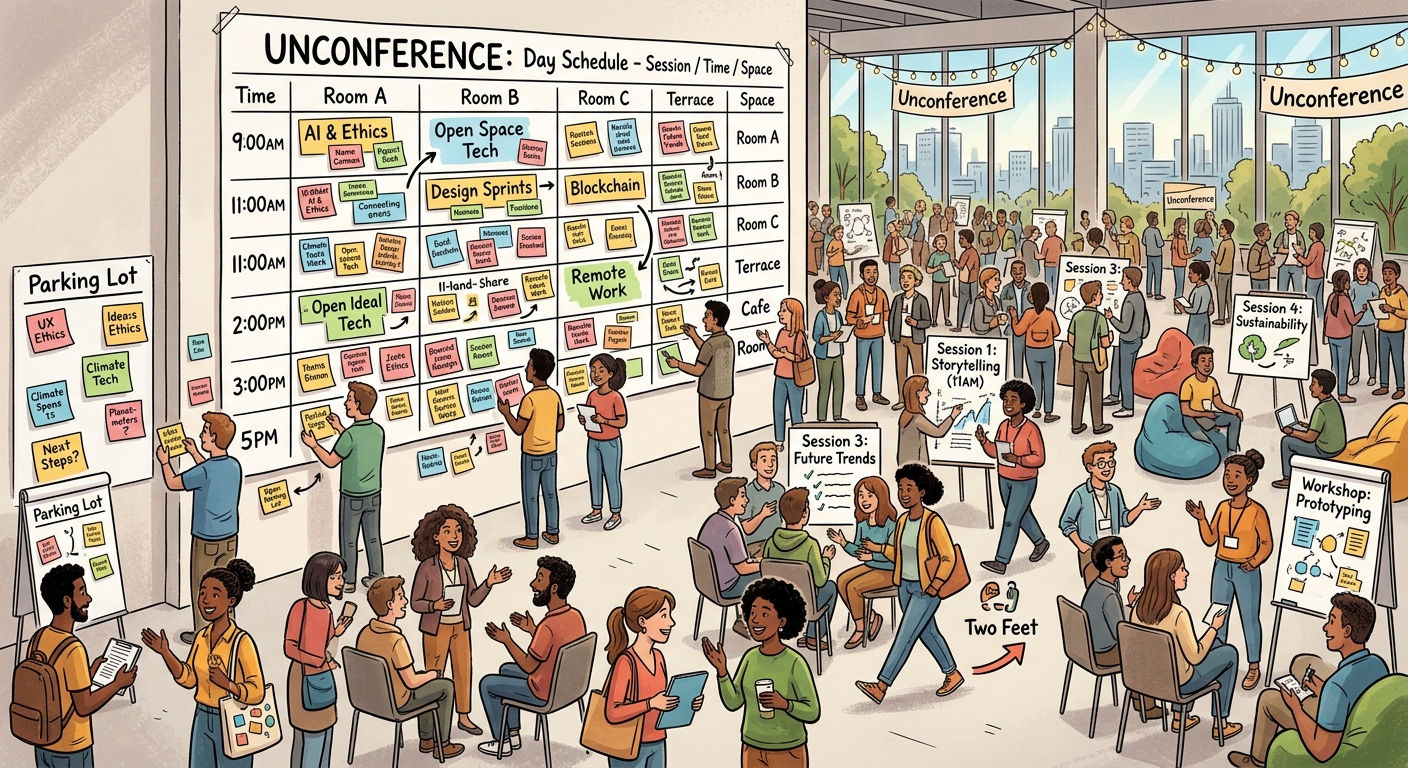
An Unconference is a participant-driven meeting. The term “unconference” has been applied, or self-applied, to a wide range of gatherings that try to avoid hierarchical aspects of a conventional conference, such as sponsored presentations and top-down organization.
Most unconferences follow “Open Space Technology”: everyone shows up with a rough idea of what they’d like to discuss, the group builds the agenda together on a whiteboard at the start (a grid of time slots and rooms/tables), and then people simply walk into whichever session interests them.
One fun unwritten rule is the “Law of Two Feet” — if a session you’re in isn’t teaching you anything or holding your interest, you’re free to get up and walk to a different one. No hard feelings, no need to explain yourself.
Quick tips:
- Works best with a group that already has plenty of things they want to talk about — a curious, opinionated crowd makes for a great unconference.
- Leave a few empty slots on the agenda grid for topics that come up on the spot.
- A “parking lot” board for ideas that don’t get a full session but are worth a follow-up conversation.
Ask Me Anything (AMA)
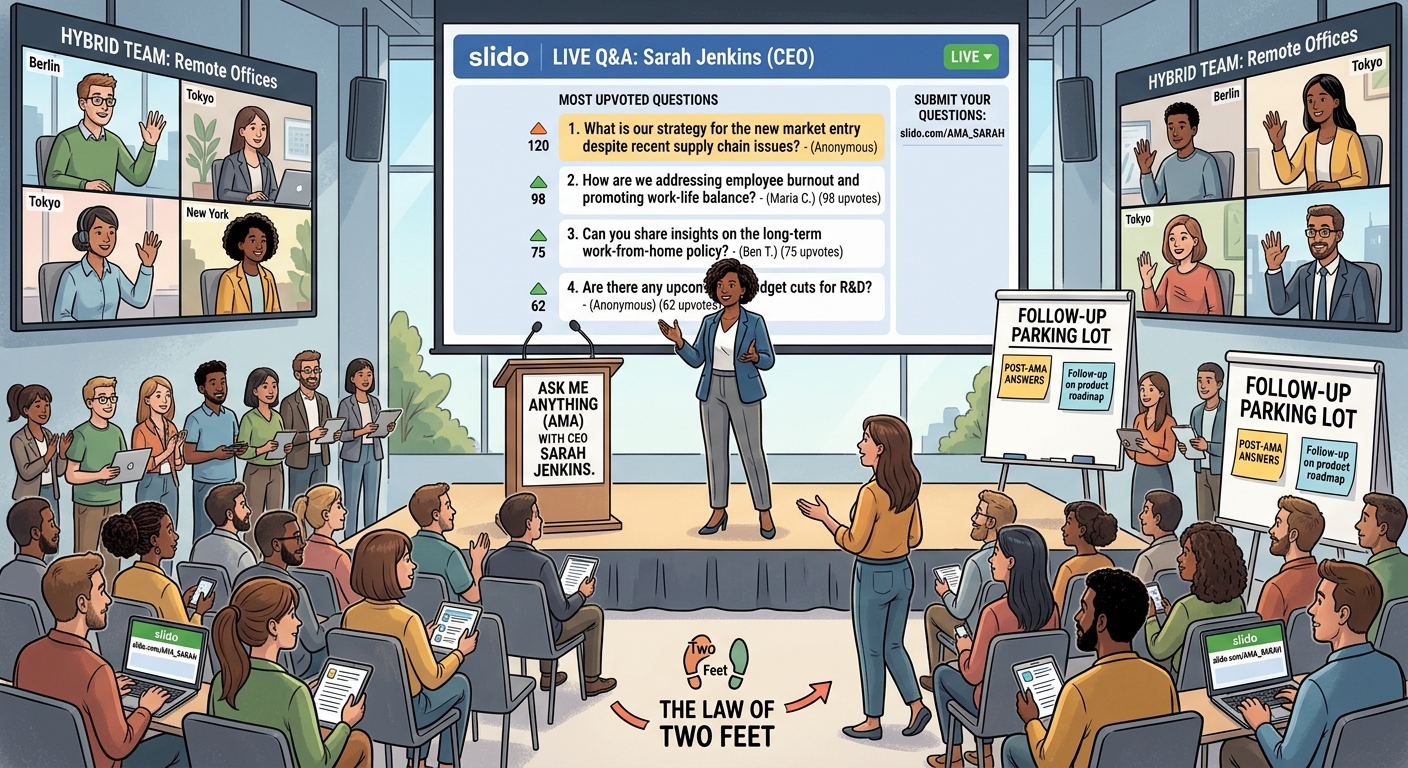
An “Ask Me Anything” (or AMA) session is exactly what it sounds like — a leader, expert, or team opens the floor for any question, live. It’s one of the simplest ways to build trust and cut through the usual “everything’s fine” corporate filter, since people get to hear straight, unscripted answers.
Quick tips:
- Open a question form a few days in advance (Slido, a shared doc, or even just a Slack thread works) so people can submit — and upvote — questions ahead of time, including anonymously if they’d like.
- Start with the most-upvoted question, then weave in ones that are timely or relevant to what’s currently going on.
- Don’t over-censor — reframe a harshly worded question rather than skipping it, and actually commit to following up afterward on anything left unanswered.
- Works for any group size, but it’s especially valuable for hybrid/distributed teams who don’t get many casual moments with leadership.
Show & Tell / Demo Day
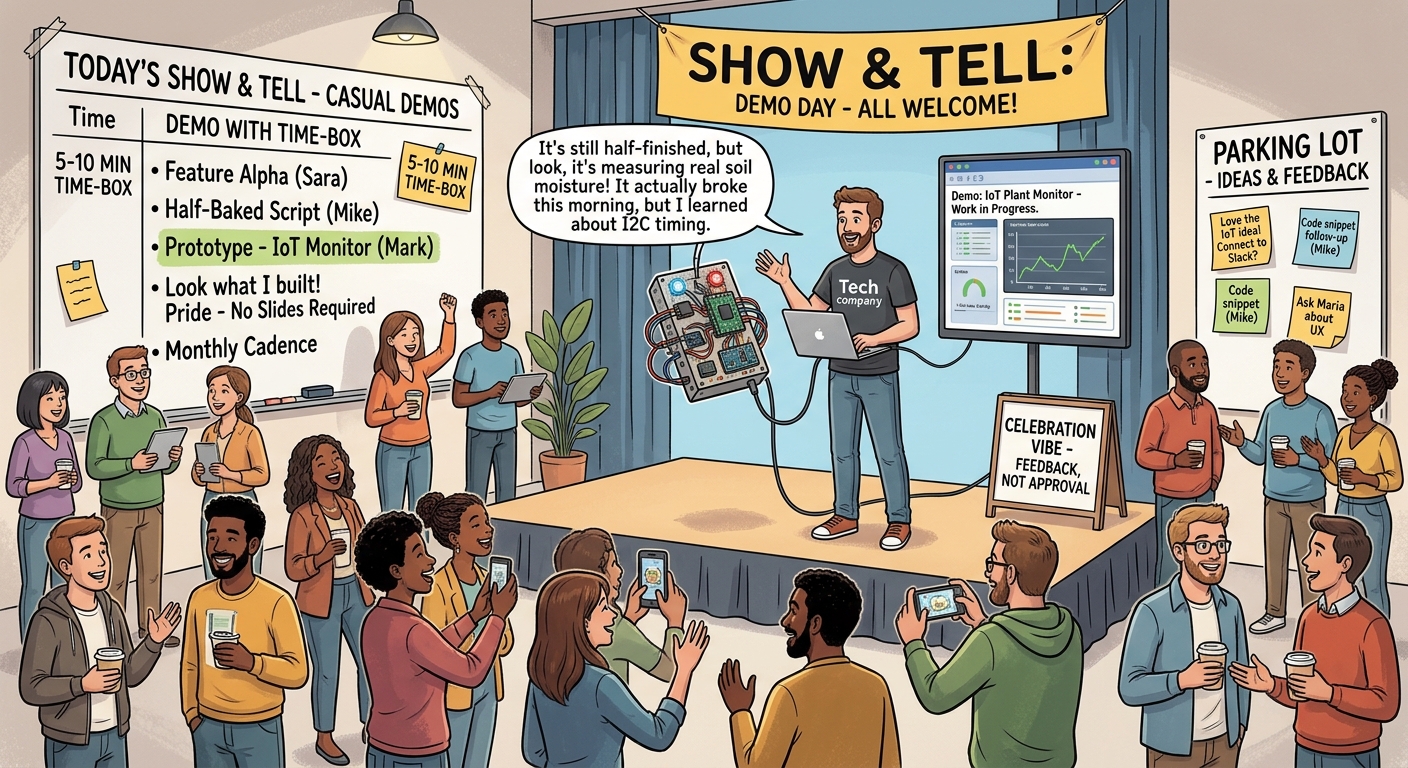
A “Show & Tell” (also called Demo Day) is where teams or individuals demo whatever they’ve been working on — a feature, a prototype, a script, even a half-finished side project — to a wider audience. No slides required, just show the thing working.
Unlike a formal sprint review, the vibe here is casual and celebratory: it’s about visibility, feedback, and a bit of “look what I built” pride, not sign-off or approval.
Quick tips:
- Time-box each demo (5-10 minutes) so more people get a turn to share.
- Encourage work-in-progress and “it broke but here’s what I learned” demos, not just polished finished products — that keeps the bar low enough that people actually sign up.
- A recurring cadence (monthly or per sprint) works better than a one-off — it becomes something people look forward to and plan for.
Hackathon / Hack Day
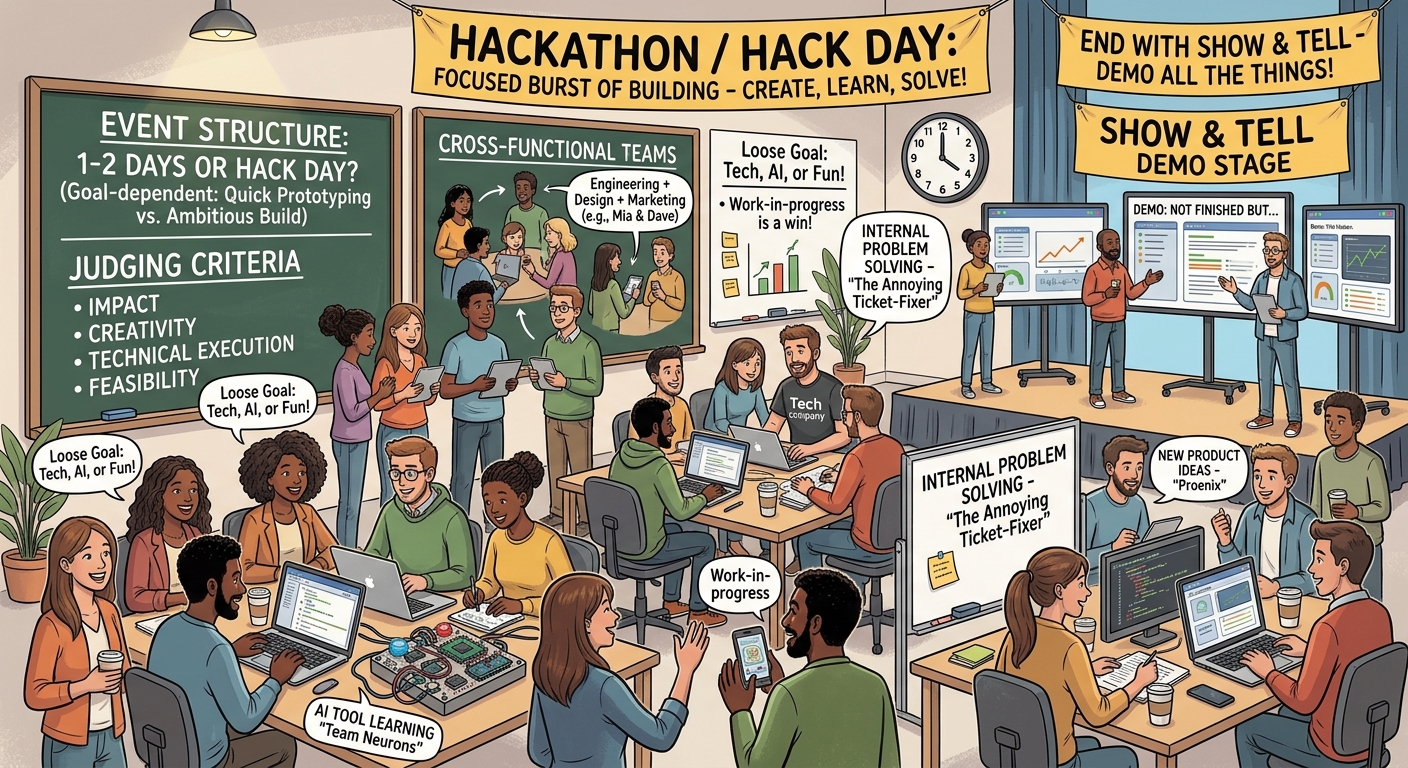
A “Hackathon” (or the shorter, lower-commitment “Hack Day”) is a focused burst of building — teams get a fixed window of time to design, build, and demo something new, usually outside their regular day-to-day work.
Duration can range from a single “hack day” (a few hours to one day) to a full 1-2 day company-wide event, or even a week for smaller, more polished builds. Pick the length based on your goal — a hack day is great for quick prototyping and fun, while a multi-day hackathon suits more ambitious builds.
Quick tips:
- Set clear judging criteria upfront (impact, creativity, technical execution, feasibility) so teams know what they’re optimizing for.
- Let people form their own cross-functional teams — some of the best ideas come from pairing folks who don’t normally work together.
- Keep the goal loose: new product ideas, learning a new tech/AI tool, or just solving an annoying internal problem all count as a win.
- End with a Show & Tell (see above) so every team gets to demo, even the ones that didn’t “finish.”
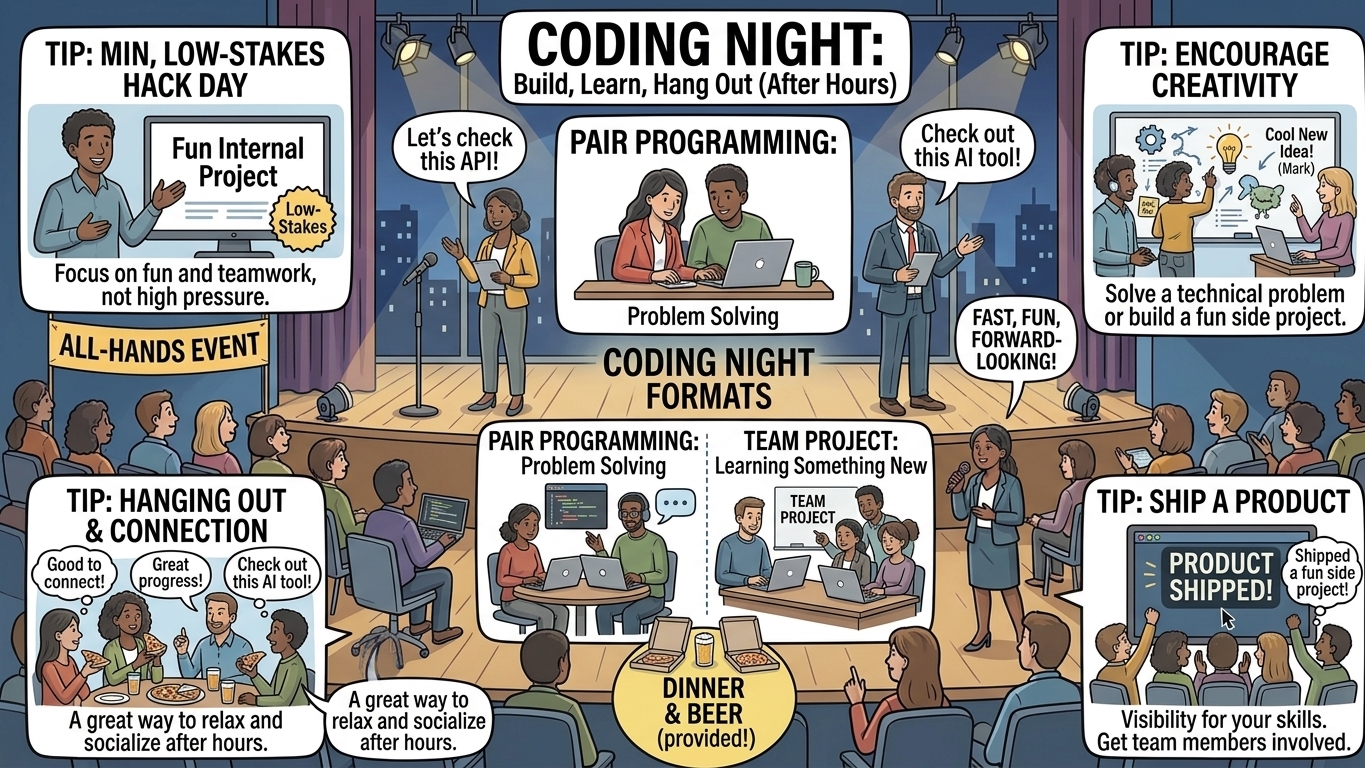
Coding Night
A “Coding Night” refers to a coding session after working hours at workplace or online. Its an event where team comes together to solve a technical problem through individual contribution or pair programming, along with some beer and dinner :)
Think of it as a mini, low-stakes hack day — less about winning and more about hanging out, learning something new, and maybe shipping a fun side project together.